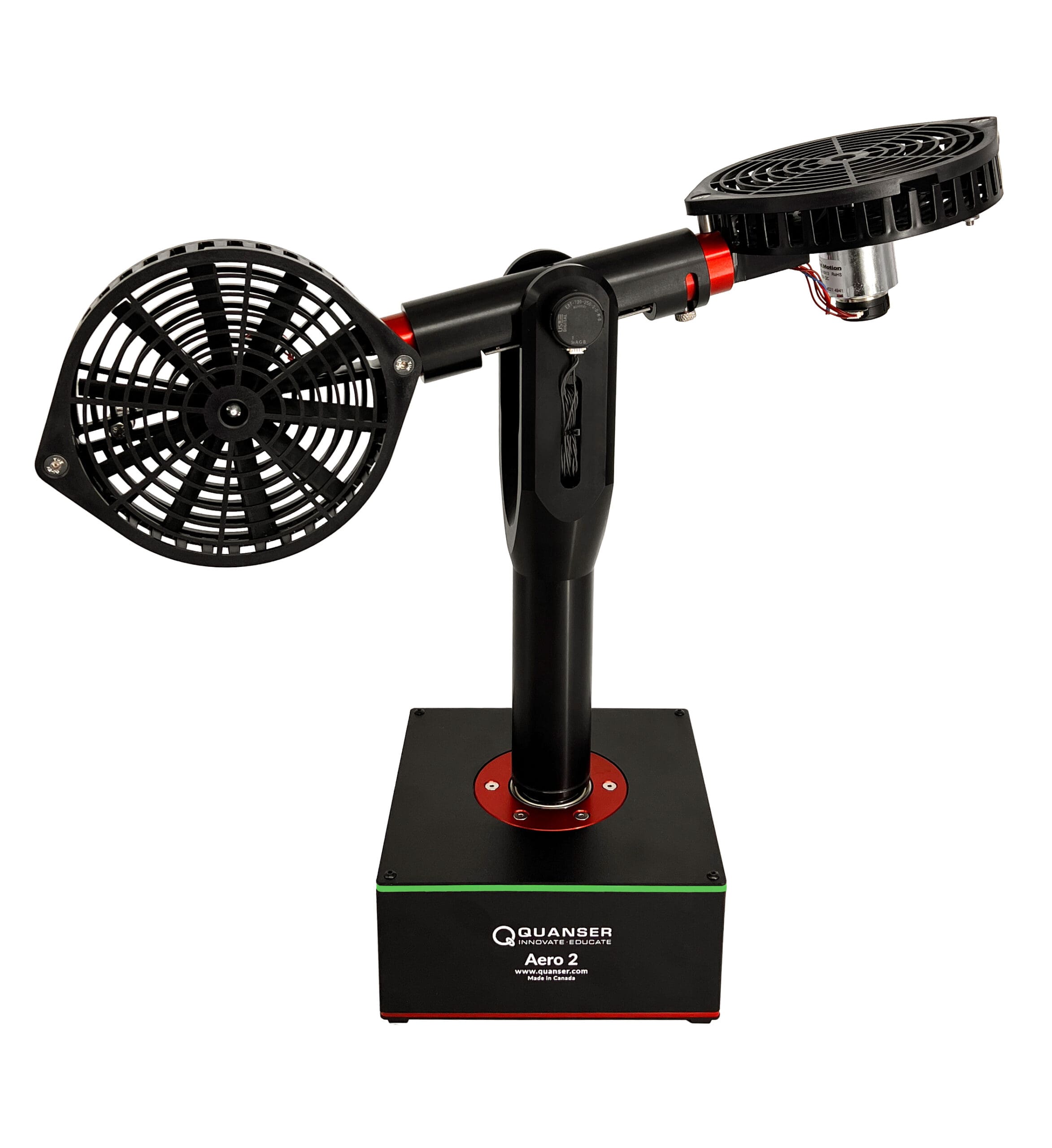
QLabs Virtual Aero 2

Virtual platform for distance and blended undergraduate aerospace and controls courses
QLabs Virtual Aero 2 is a fully instrumented, dynamically accurate virtual twin of an Aero 2 system. It behaves in the same way as the physical hardware and can be measured and controlled using MATLAB® Simulink® and other development environments. QLabs Virtual Aero 2 can enrich your lectures and activities in traditional labs, or bring credible, authentic model-based lab experiences into your distance and blended aerospace and control systems course.
QLabs Virtual Aero 2 is available as a 12-month multi-seat subscription. The platform is compatible with the physical Aero 2 curriculum which covers concepts including modelling, system identification, attitude and speed control, PID control, gain scheduling, state-feedback control, coupled dynamics, and Kalman filtering.
Product Details
As a twin of the physical Aero 2, the virtual system is a dual-rotor helicopter model that can be reconfigured for 1 DOF attitude, 2 DOF helicopter, or half-quadrotor experiments. Multiple rotary encoders measure the angular position of the propeller DC motors, and the pitch and yaw axes. An IMU compliments the sensor suite to offer a more realistic instrumentation and control scenarios.
- High-fidelity, credible lab experiences equivalent to use of physical lab equipment
- 12-month multi-seat subscription
- Full access to system parameters through MATLAB®/Simulink®
- Comprehensive curriculum for 1 DOF attitude, 2 DOF helicopter, and half-quadrotor configurations
| App Download & Access to Subscription | Quanser Academic Portal |
| App OS Compatibility | Microsoft Windows 10 or Later |
| Required Software | Curriculum designed for MATLAB and Simulink R2022a or later, with Python 3 compatibility |
| Minimum Specifications | Intel Core Ultra 5, Intel Core i5, Ryzen 5 |
| 8GB RAM | |
| Intel UHD, or Iris Xe integrated GPU | |
| Recommended Specifications | Intel Core Ultra 7, Intel Core i7, Ryzen 7 |
| 16GB RAM | |
| Intel Iris Xe or Arc integrated GPU |
ABET-aligned Instructor and Student Workbooks with complete lab exercises, covering topics:
- Hardware integration
- Single propeller speed control
- Pole-placement state-feedback balance control
- 1 DOF attitude control configuration
- PID control
- Iintroduction to IMU
- Modeling and model validation using transfer function
- System identification
- Gain scheduling
Laboratory Guides with modeling and control design examples:
- 2 DOF helicopter configuration
- Modeling
- Linear state-space representation
- State-feedback control
- Coupled dynamics
- Half-quadrotor configuration
- Modeling
- Simple yaw control
- Kalman filter
Group Citation: Software
Explore more: All Research Paper
Related Products