

In mid-2023, I joined the team and was tasked with designing what would eventually become the Mechatronics Design Lab (MDL). At that point, we knew two things: we wanted standalone sensors and actuators devices, and we had nearly 15 years of experience designing mechatronic systems to draw on. My role as Academic Lead meant I was shaping not just the curriculum but helping make decisions about which sensors and actuators we would include and why.
We weren’t starting from scratch or benchmarking a competitor. We were looking critically at our own products created for the NI ELVIS: the QNET Mechatronic Sensors and Actuators Boards and Quanser Applications Boards, both designed by Quanser starting around 2010. Those boards had strengths and limitations. Understanding both is what shaped our philosophy about the MDL.
What Quanser’s NI ELVIS Mechatronic Boards Did Well
Let’s highlight what went well. The QNET Mechatronic Actuators Board had five different motors, and the Sensors Board included over ten different sensors. The course resources were comprehensive and had a clear pedagogical philosophy: don’t just show students how a sensor works but teach them when to use it, what its limitations are, and how to interpret its datasheet.
That teaching philosophy has been a key point for us in our over 30 years of developing curriculum. Good curriculum design means teaching students how to make real engineering decisions: not how a sonar’s electronics work, but under which circumstances you’d choose ultrasonic over infrared, and why. That foundation was strong with our old boards, and we built on that rather than starting over.
The Limitations of the Quanser’s NI ELVIS Mechatronic Boards
Assessing our previous products to see their limitations and what could be improved is hard, but also it is how good products get built. The biggest limitation of our old boards was their usage constraint: they were designed exclusively for the NI ELVIS platform.
Fixed to the Bench
The NI ELVIS is a good tool; however, it is large, and station-bound. That meant our boards were too. A student could learn how a device behaves in a controlled lab setting but couldn’t then take those motors and sensors and integrate them into a robot, or a student project. This design inhibited those boards from expanding beyond first-year, single-use tools. There was no easy or defined path to reuse them in more complex systems.
One Board at a Time
Due to the design of the NI ELVIS device, only one board could be plugged at once. This means students could learn about sensors or actuators individually, and those who wanted to explore them together needed a separate board. The outcome of this decision leads to a missed opportunity for students to explore the integration of sensors and actuators, and fundamental design decisions which are key for a mechatronics engineer.
LabVIEW Only
NI ELVIS ran exclusively in LabVIEW. LabVIEW is a powerful tool, but it is increasingly rare outside of specific industries. Students taking an intro mechatronics course are far more likely to have already learned Python in their first programming class, and will almost certainly continue using Python, MATLAB, or C after graduation. Locking mechatronics hardware to a single proprietary language means students have to context-switch to a new environment just to engage with physical hardware which makes it harder for them.
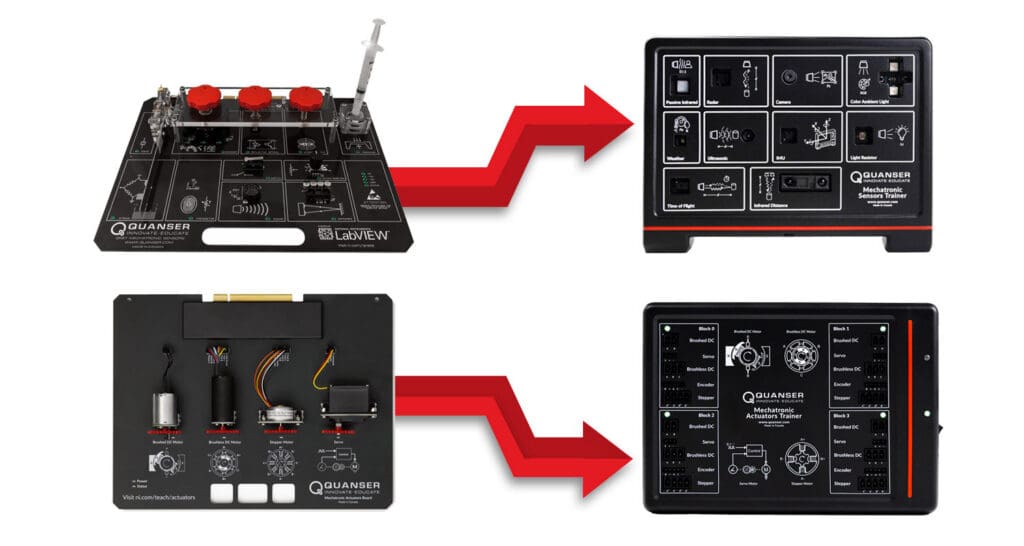
The MDL: Everything We Learned, Rebuilt from the Ground Up
With the Mechatronics Design Lab, released in 2026 with both the Mechatronic Sensors and Actuators Trainers, we wanted to address each of these limitations directly. Here’s how:
Portable and Platform-Agnostic
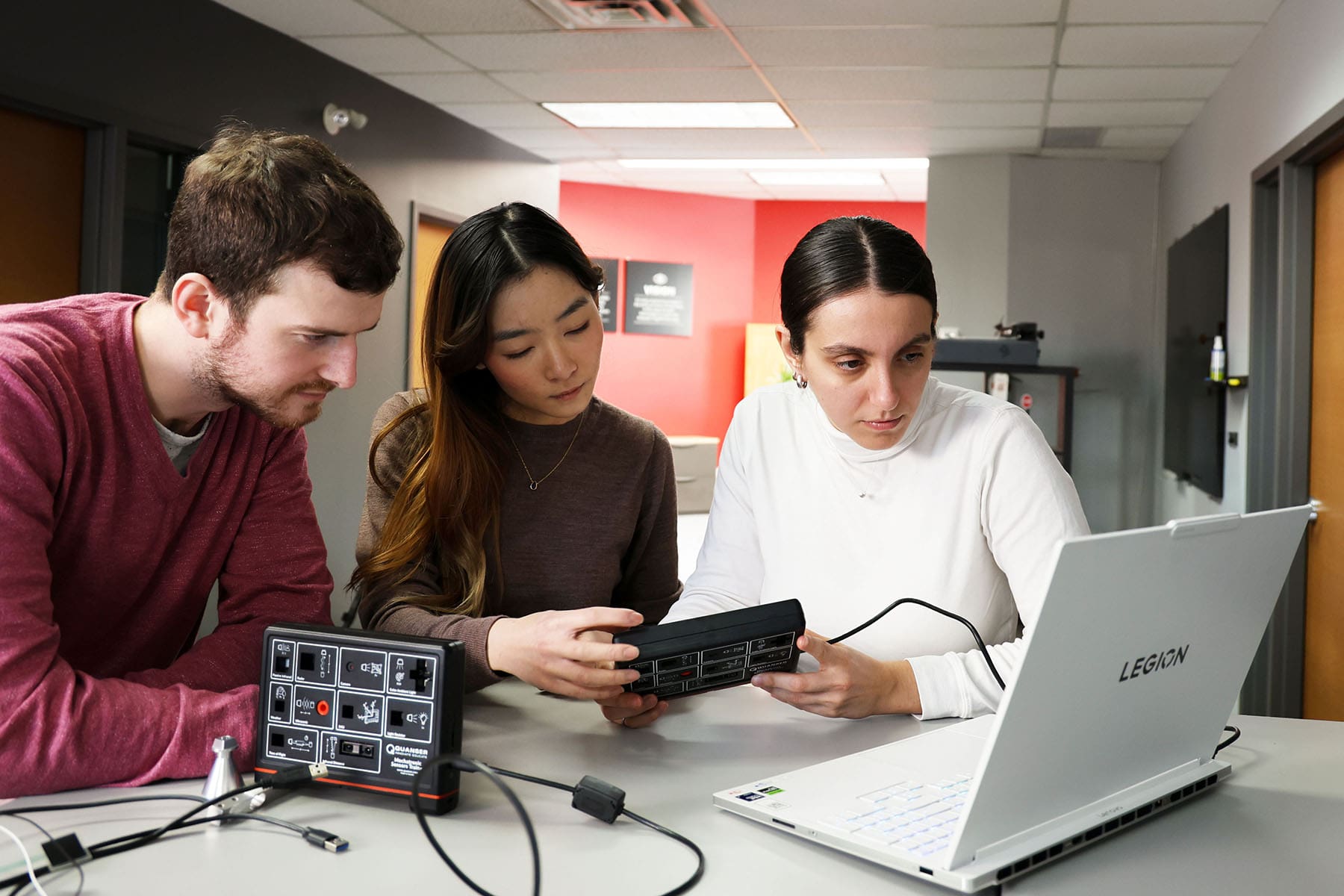
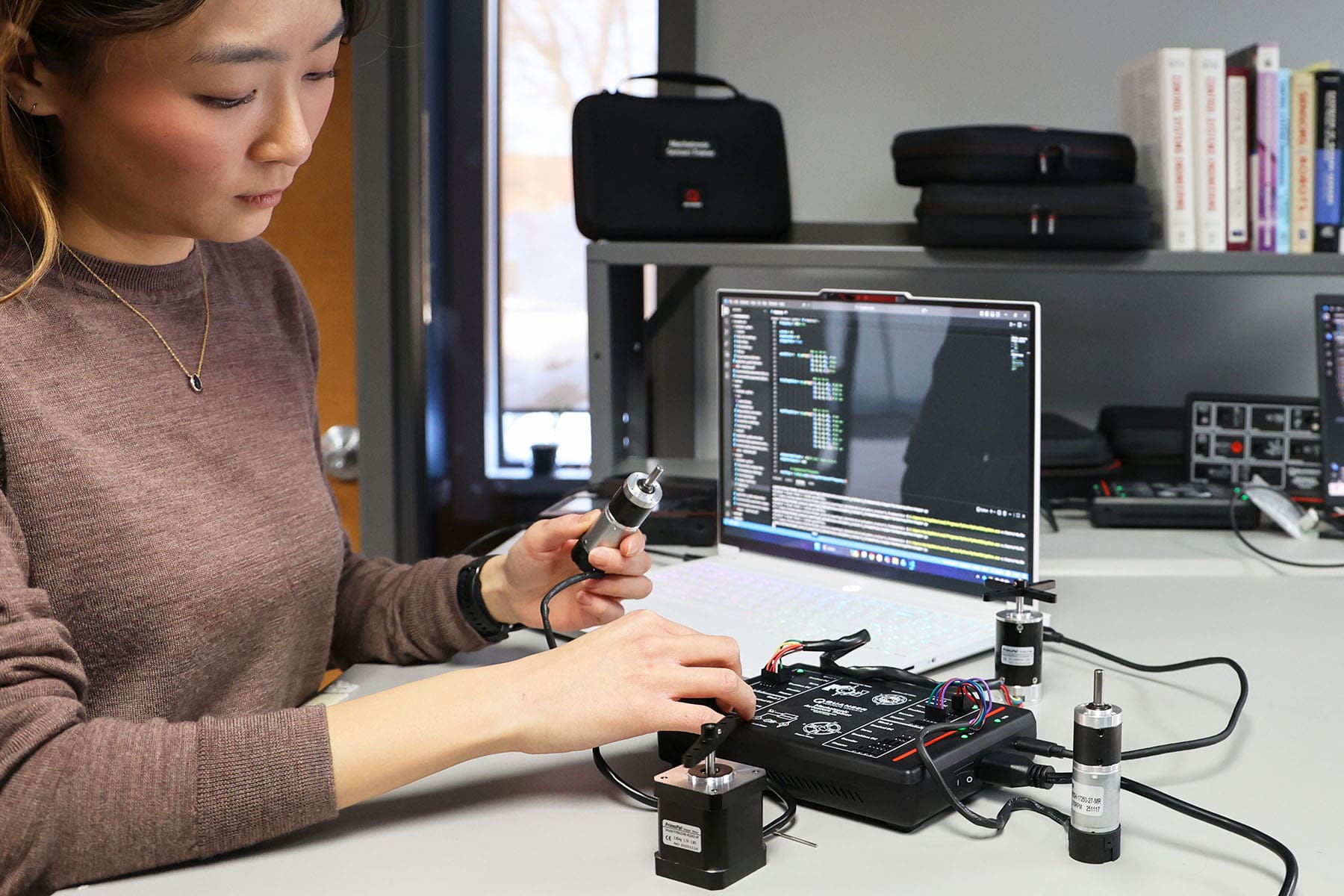
The Mechatronics Design Lab devices are fully standalone. To use the Sensors Trainer, a student needs the device, a USB-C cable, and a computer. The Actuators Trainer needs the same plus some power (a battery or power supply). The computer can even be a Raspberry Pi 5, making the whole setup portable. That’s it. No bench, no fixed lab station. I’ve written about how students have used them in my last blog, check it out.
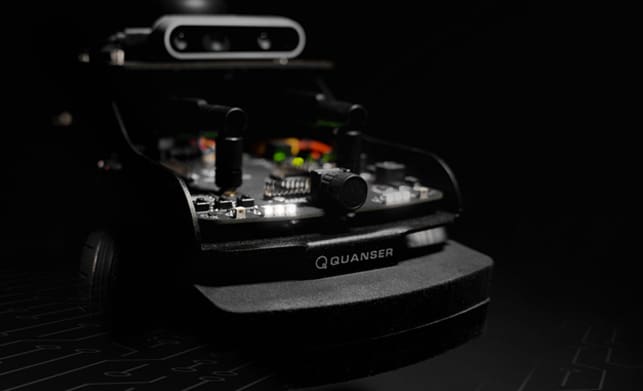
This portability completely changes what students can do. With both devices including mounting holes, a student can design and build a two-wheeled robot that uses the Actuators Trainer to drive and the Sensors Trainer for camera and distance sensing. The devices become building blocks rather than isolated demo units. They can be taken out of the lab and used in capstone projects, student competitions, or independent research.
Multiple Devices, Multiple Combinations
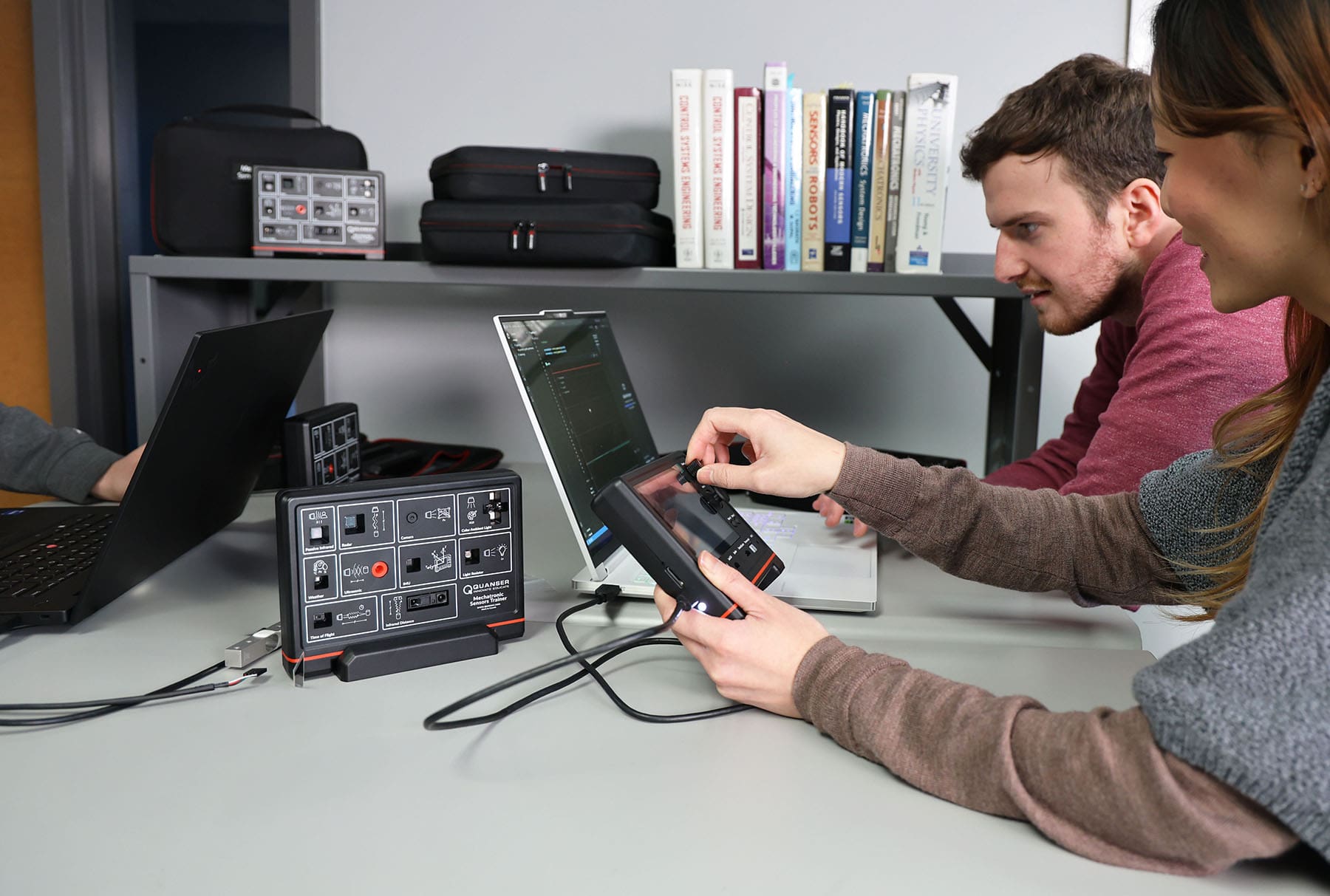
Unlike the boards for the ELVIS, there’s no “one at a time” constraint with the Mechatronics Design Lab. Students can connect multiple trainers simultaneously to their computer, like using sensors and actuators trainer together to build closed-loop systems. A class can now work with multiple motors and sensors, exploring real performance differences!
Exploring this sensor integration is a key outcome of various engineering programs. The Sensors Trainer also includes GPIO with SPI and I²C support, meaning students can add their own sensors beyond what’s built in. If the course requires a sensor type that isn’t on board, students aren’t stuck.
Python, MATLAB/Simulink, and C: Your Choice
The Mechatronics Design Lab supports Python, MATLAB/Simulink, and C out of the box. Full curriculum is available in Python, meaning students who learned programming basics in their first year can continue using the same language when they get to mechatronic courses, no context-switching required. And because Python is free, students don’t stop using it when they graduate from university. The same device they used in a first-year lab could appear again in a robotics or mechatronics course, a controls class, or a capstone project.
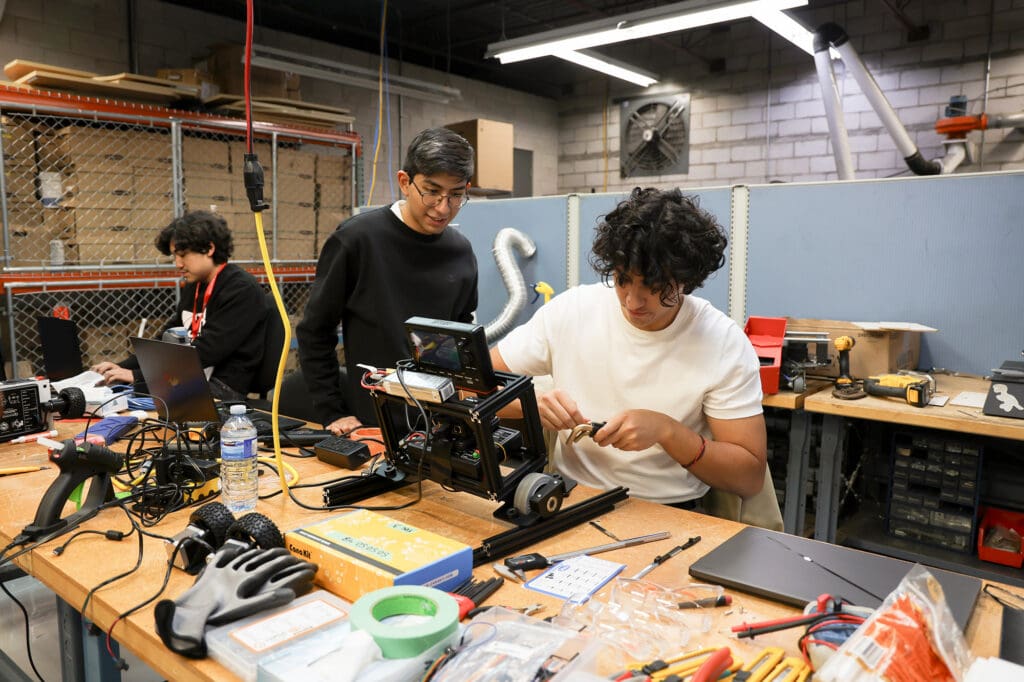
The Curriculum: More Complete, More Flexible, More Ambitious
Our previous boards came with solid curriculum, and that’s not something we took lightly when designing the Mechatronics Design Lab. We kept the same core philosophy (understand why, not just how) and then expanded it significantly.
The Sensors Trainer ships with 19 structured labs, one for each sensor type covered, teaching students not just how to read a value, but what the sensor is measuring, where it excels, where it fails, and when to choose it over an alternative. The Actuators Trainer includes 4 labs, one per motor type, with the same focus on when and why to use each.
Our curriculum is structured in three tiers: guided foundational labs, open-ended challenges that ask students to combine things in the same device and solve real problems, and larger design projects that combine both devices, suitable for course final projects or capstone work. That structure means the same hardware can support a first-year introduction and a senior capstone, without any modification. We have another great blog that focuses on these tiers, check out Crystal’s blog on how this works!
The Bottom Line
Our old Mechatronics Boards for NI ELVIS were good products for their time. They gave students real hands-on experience with sensors and actuators, backed by thoughtful curriculum. But they were constrained by their platform, their software, and their architecture in ways that limited how far they could take a student.
Mechatronics Design Lab is a result of taking 15 years of feedback from those products, being honest about what worked and what didn’t, and building something designed for the full arc of a student’s engineering education, not just a single lab session in their first year.
If you’re evaluating mechatronics lab equipment or reconsidering a platform you’ve been using for over a decade, we’d love to talk. The Mechatronics Design Lab is designed to be the last time you have to rebuild your lab from scratch.